
Release Notes
Release Notes – Version 4.0.0
This release takes a first step toward the agentic CMS: an experimental AI integration that connects your analytics to your favorite AI tools, Bayesian A/B testing with probability-to-win metrics, real-time analytics, a modernized UI across the plugin, and native block thumbnails for faster previews.

Experimental
Agentic API
Query analytics from any AI tool.
Performance
Native Thumbnails
Faster accurate block previews.
Insights
Real-time Analytics
Live traffic with auto-refresh.

Experimentation
Bayesian A/B Testing
Best-in-class A/B testing, get confident results faster.
Analytics
Insights & HUD on Pages/Posts
See post metrics while editing.

Design
UI Refresh
Cleaner interface across the plugin.
Agentic API
WordPress 6.9 introduces the Abilities API, a new way for AI agents to discover and interact with WordPress functionality. Combined with the MCP Adapter plugin, your favorite AI tools can now connect directly to your site.
What this means: Tools like Claude Code, Claude Desktop, Cursor, and VS Code can talk to WordPress through the Model Context Protocol (MCP). Accelerate registers its optimization features as abilities, so AI agents can query your analytics, manage experiments, and analyze content performance, all through natural conversation.
To enable: Navigate to Accelerate → Settings and toggle on Agentic API (Experimental).
Once connected, AI agents can work across 3 capability domains:
- Experiment Lifecycle: Query detailed experiment results, manage variants, and control running experiments programmatically
- Analytics Insights: Access traffic data, engagement metrics, real-time visitors, and content performance
- Custom Queries: Build custom analytics queries with full event schema access, aggregations, and content search
This is an early look at how AI assistants will work with optimization tools. As the WordPress Abilities ecosystem matures, we'd love your feedback on what capabilities would be most useful.
Bayesian A/B Testing
A/B test results now use a Beta-Binomial Bayesian model to calculate the probability that each variant is the best performer. Instead of waiting for arbitrary sample sizes, you can make decisions based on statistical confidence.
- Probability to be best: Each variant shows its likelihood of being the winner
- Credible intervals: 95% ranges give you a sense of where the true conversion rate likely falls
- No minimum sample size: Results update continuously as data comes in
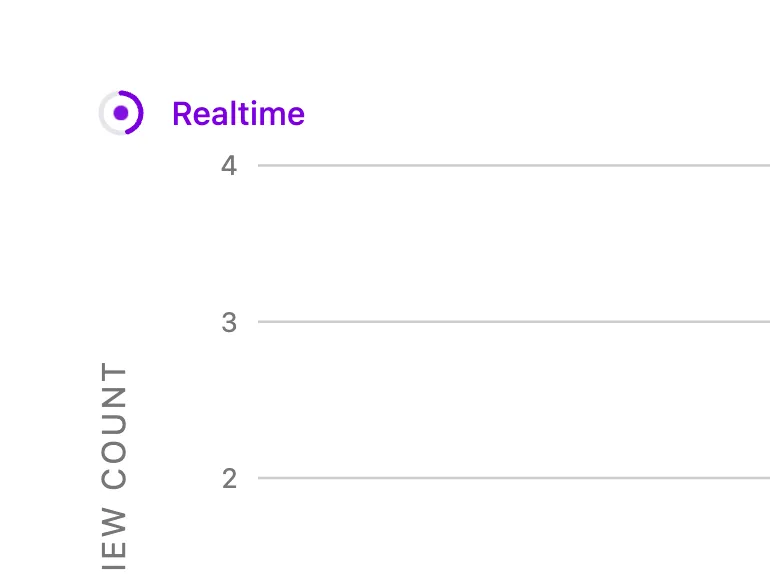
Real-time Analytics Mode
The Analytics dashboard now includes a real-time mode that shows traffic from the last 30 minutes with auto-refresh. Perfect for monitoring campaign launches, breaking news, or social media spikes as they happen.
- 30-minute rolling window of live traffic data
- Auto-refreshes every 30 seconds
- Shows concurrent visitors and trending content
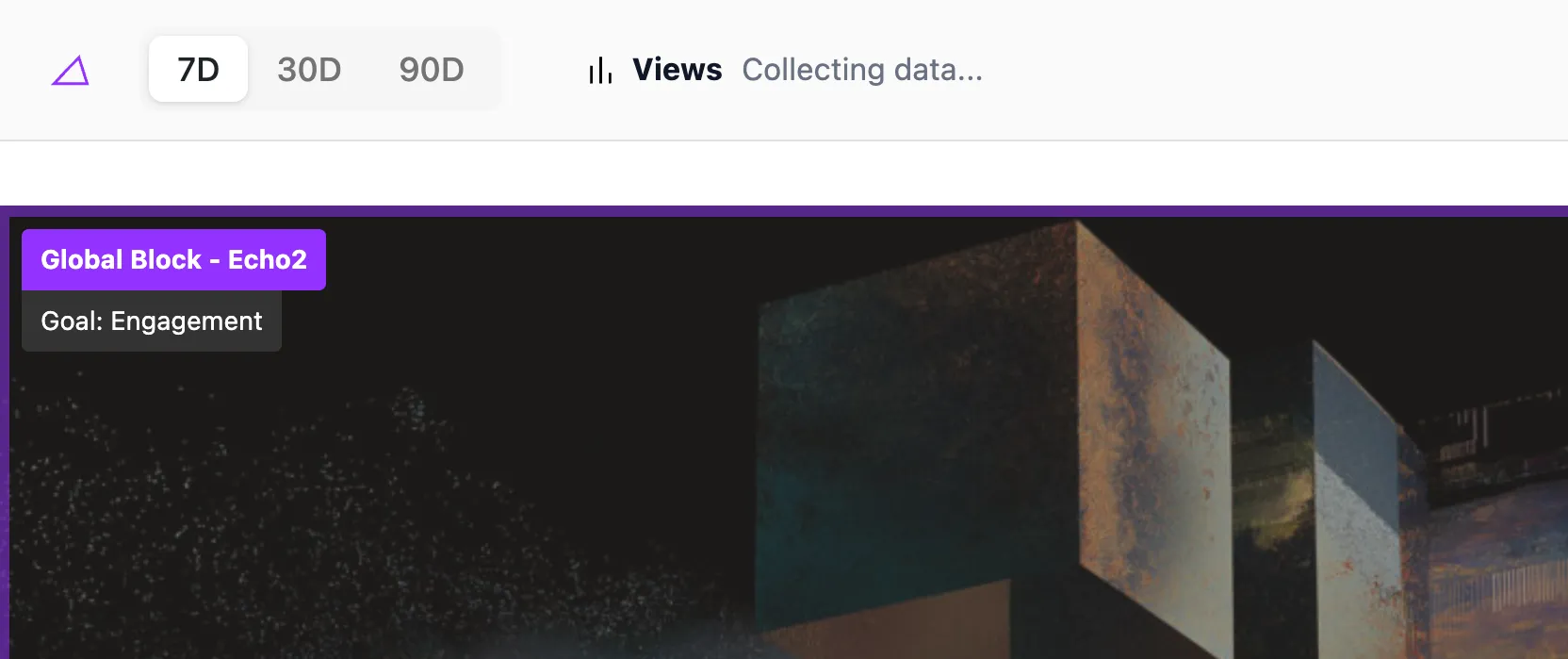
Insights & HUD on Pages/Posts
A new frosted glass header bar appears when editing posts and pages, showing key metrics at a glance without leaving the editor:
- Total page views and unique visitors
- Average time on page
- Conversion events for that content
- Quick link to full analytics
Other Improvements
UI Refresh with Modern Components
Major UI updates across the plugin bring a cleaner, more consistent experience:
- Settings page: Redesigned with clearer organization and toggle controls
- Audiences: Modernized audience builder with improved rule composition
- Analytics: Refreshed charts and data tables with better typography
- Broadcasts: Streamlined block selection and scheduling interface
- Beta features: New banner component for experimental feature notices
All-time Analytics for A/B Tests
A/B test results now default to showing "All-time" data rather than a limited date range. This ensures you're always seeing the complete picture of variant performance from the moment the experiment started.
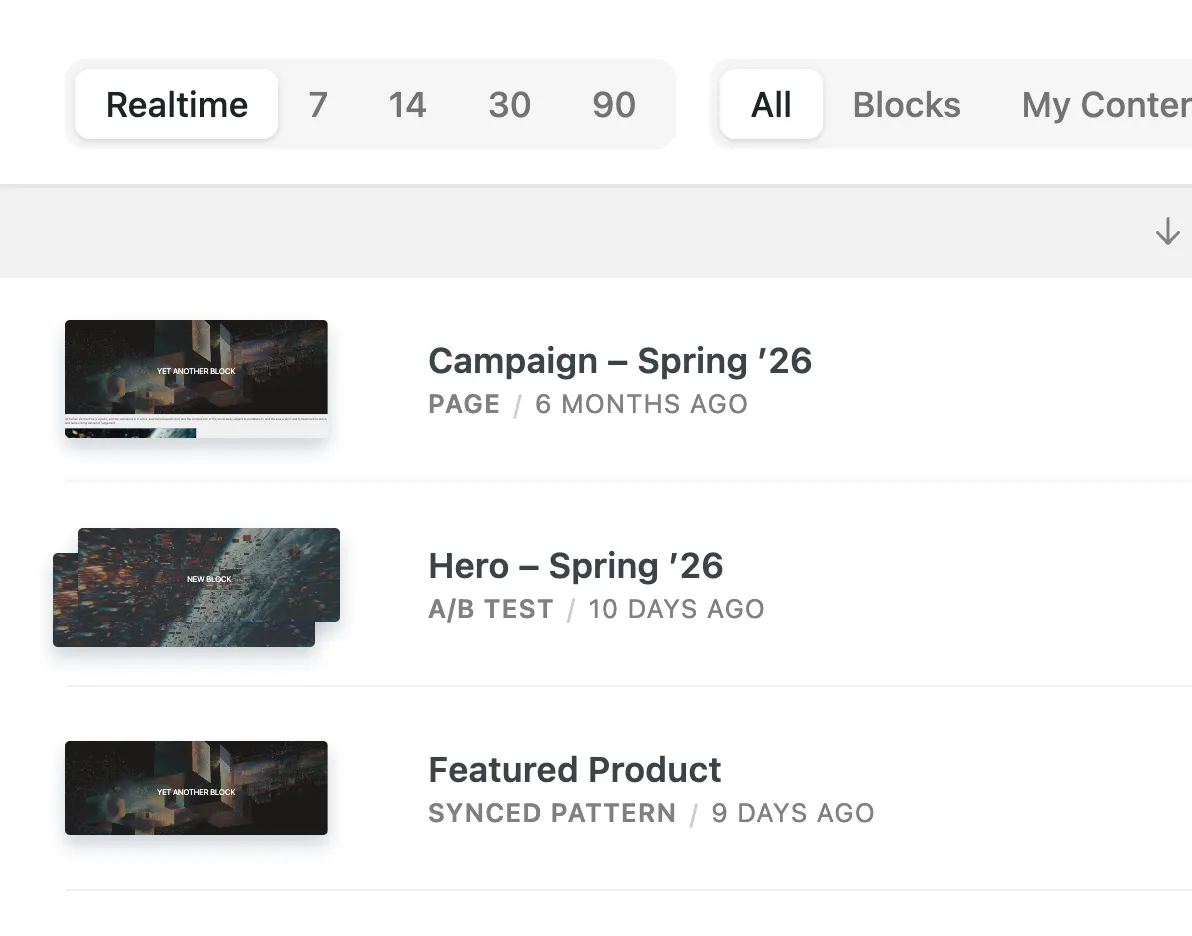
Native Block Thumbnails
Block previews in the Content Explorer and variant editor now render natively using WordPress's BlockPreview component instead of relying on external screenshot services:
- Renders at 1200px viewport width for consistent previews
- Faster thumbnail loading with no external API calls
- More accurate previews that match your theme styling
- Better performance when browsing large content libraries
Improved Broadcast Editing
The broadcast block selector received significant UX improvements:
- All available blocks now display by default (no search required)
- Clear visual separation between "In Broadcast" and "Available Blocks" sections
- Smoother drag-and-drop with better button click detection
- Instant save feedback with optimistic updates
New Accelerate Branding
Accelerate now has its own identity throughout WordPress admin. The sidebar, page headers, and block icons display the Accelerate logo and purple triangle icon consistently across all touchpoints.
As WordPress evolves from a place where content is managed to a system where work is orchestrated, Accelerate is building the optimization substrate that makes that orchestration measurable.